Outdoor 4G CPE : boost the WiFi signal in a rural area 2026
Contents
Is your home in a rural area with a 4G signal that is weak indoors ? Does your phone show only 1 bar in the living room ? An outdoor 4G CPE can completely change the game : installed on a wall or roof, it captures cellular signals with a high-gain antenna and redistributes them as powerful WiFi indoors.
This guide details the principle of the outdoor 4G CPE, the ODU/IDU architecture (Outdoor/Indoor Unit), the achievable throughput, the outdoor design criteria (IP67, UV, temperature), and how to integrate it with an Elfcam Mesh WiFi 6 router to get the best possible WiFi experience in your poorly covered area.
What is an outdoor 4G CPE ?
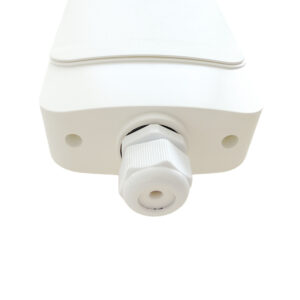
The outdoor 4G CPE differs from a classic WiFi router in several ways :
- Cellular reception via a SIM card + 4G LTE antenna
- Outdoor installation on a wall, pole or roof to capture signals directly
- Integrated high-gain antenna (or external) aimed at the relay antenna
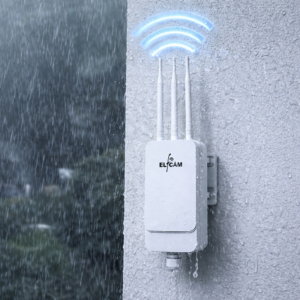
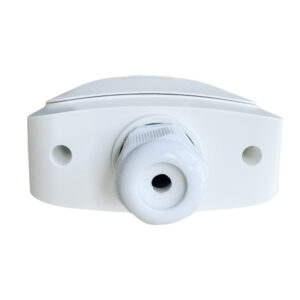
- IP65/IP67 waterproofing for bad weather
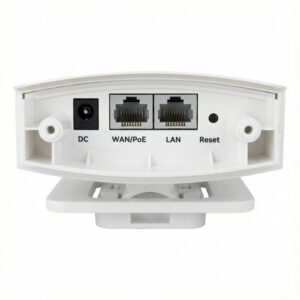
- PoE power supply from indoors : no outdoor mains socket
Unlike a smartphone used as a hotspot (limited power, battery, modest coverage), the outdoor 4G CPE offers :
- Maximum authorized transmission power (fixed antenna not subject to mobile limits)
- Permanent power supply (no battery that heats up/ages)
- Multi-user (32 simultaneous clients typical)
- Stable throughput over the long term
ODU/IDU architecture
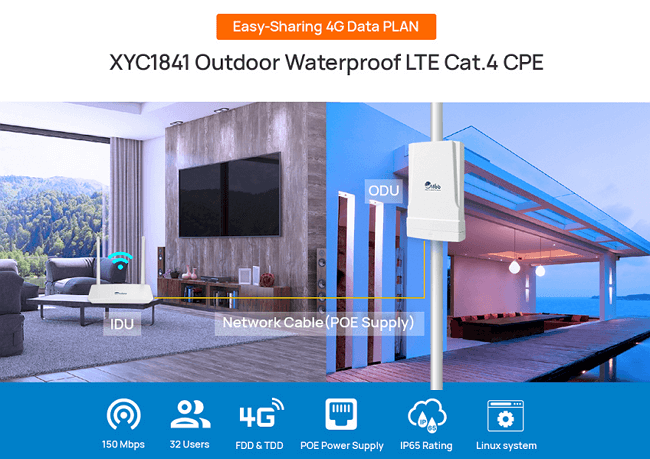
The best outdoor 4G CPEs use a two-part architecture :
| Part | Role | Location |
|---|---|---|
| ODU (Outdoor Unit) | Antenna + 4G modem + receiver | Outdoor (wall, roof, pole) |
| IDU (Indoor Unit) | WiFi router + LAN ports + PoE power | Indoor (living room, closet) |
| Single cable | Cat 6 Ethernet (data + PoE power) | Crosses the wall |
A single waterproof Cat 6 Ethernet cable connects the ODU to the IDU, carrying both data and PoE power. No need for an outdoor mains socket.
Typical example : the XYC1841 from V-SOL, the XKC7243 outdoor, or the Zyxel NR7101, Teltonika RUT241 outdoor 4G CPEs. They all use this ODU+IDU+PoE principle.
Throughput and multi-user
A modern outdoor 4G CPE offers :
- 4G LTE Cat 4 to Cat 12 modem depending on the model (150 to 600 Mbps peak)
- Integrated 5-8 dBi high-gain antenna (vs 1-2 dBi smartphone)
- WiFi 4 or 5 for local distribution (sometimes WiFi 6 on high-end models)
- Up to 32 users connected simultaneously
- 4 Gigabit LAN ports on the IDU for wired connections
In practice :
- Decent 4G area : 50-150 Mbps with outdoor CPE (vs 20-60 Mbps with indoor CPE)
- Marginal 4G area : 15-50 Mbps with outdoor CPE (vs 2-8 Mbps ADSL or nothing at all)
- 5G area : an outdoor 5G CPE will reach 200-600 Mbps
The gain between an internal smartphone antenna and an external directional antenna can reach +15-25 dB of SNR, i.e. a throughput multiplied by 2 to 5 — and above all far greater stability.
Design for outdoor conditions
An outdoor CPE must withstand :
- Rain, snow, hail : IP65 minimum certification, ideally IP67
- Solar UV : enclosure with anti-yellowing UV protection
- Corrosion : resistant materials (ABS, anodized aluminium)
- Thermal variations : -30 to +65 °C range minimum
- Lightning and surges : integrated surge protection
- Vandalism (depending on location) : IK08-IK10 rating for exposed areas
- Wind : sturdy mounts for external antennas
Pro models CE, RoHS, REACH are mandatory for a long-lasting installation. Models without certification (low-cost Asia) may work for 6-18 months then break down due to humidity or UV.
Step-by-step installation
- Identify the relay antenna the closest one (OpenSignal, Cellmapper apps, Arcep sites)
- Choose the outdoor location : wall facing the relay, ideally at height (roof, gable)
- Prepare the waterproof Cat 6 Ethernet cable (outdoor UV-resistant) between indoors and outdoors
- Drill a waterproof passage through the wall (conduit + silicone seal)
- Mount the ODU on the wall with the supplied fixings
- Aim the ODU antenna at the relay (some models have a built-in signal indicator)
- Connect the PoE cable ODU → indoors
- Insert the SIM card 4G into the ODU
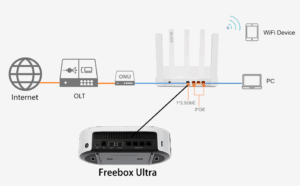
- Connect the IDU (PoE injector power) indoors
- Add a Mesh WiFi 6 router behind the IDU for modern coverage
- Throughput tests via Speedtest, adjust orientation if needed
Tip : maximize the signal
To find the best orientation of the ODU : (1) use an app like NetMonitor or LTE Discovery that displays the RSRP/RSRQ/SNR in real time, (2) run a complete test (360° in steps of 15°), (3) fix it in the optimal orientation. Typical difference : +8-15 dB of signal between the worst and the best orientation.
Complete WiFi 6 setup
For the optimal experience : outdoor 4G CPE + modern Elfcam WiFi 6 :
- Outdoor 4G CPE (Zyxel NR7101, Teltonika, or equivalent)
- Outdoor Cat 6 Ethernet cable 20-30 m
- 8-port Gigabit PoE switch indoors to power ODU + cameras + AP
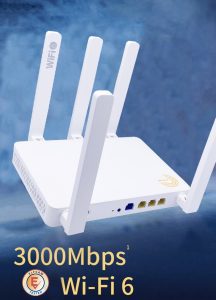
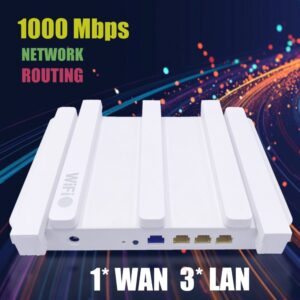
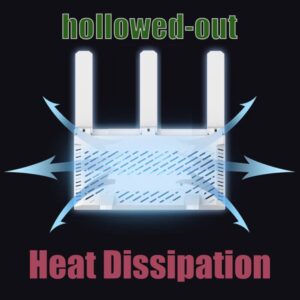
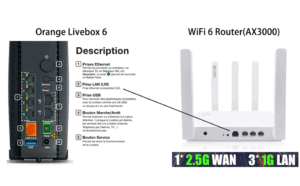
- Mesh WiFi 6 router AX3000 2.5 Gb WAN downstream of the CPE
- WiFi 6 AX3000 repeaters in distant rooms
- Outdoor WiFi 6 AP IP67 AX3000 for garden and outbuildings
Elfcam WiFi 6 setup to complement the CPE
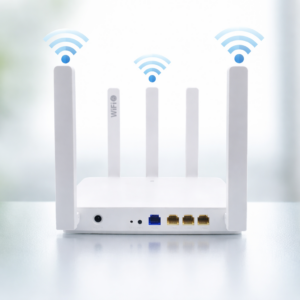
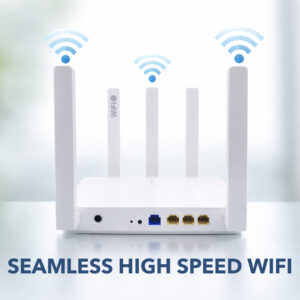
- Mesh WiFi 6 router AX3000 2.5 Gb WAN — modern WiFi behind CPE
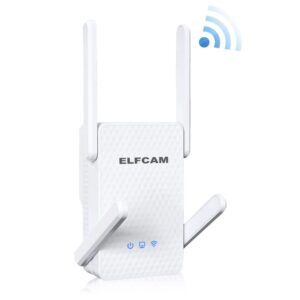
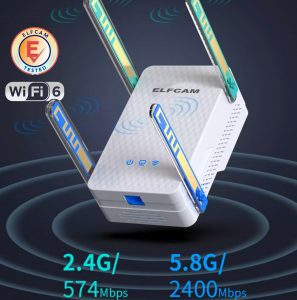
- WiFi 6 AX3000 repeater — coverage extension
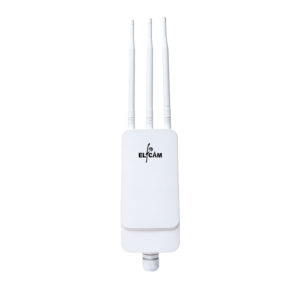
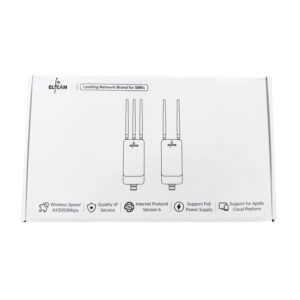
- Outdoor WiFi 6 AP IP67 AX3000 — garden, outbuilding, van
- Gigabit PoE switches — power for ODU and AP
- Cat 6/7/8 Ethernet cables — high-performance interconnection
- Reinforced outdoor cables — long-distance outdoor links
FAQ — Outdoor 4G CPE
1Indoor or outdoor CPE ?
- Indoor : if you have 3-4 stable 4G bars at home. Cheaper, simpler
- Outdoor : weak to medium signal, building with thick walls (stone, concrete), rural area. Gain +2× throughput minimum
2Lifespan outdoors ?
- Waterproofing of cable passages (to redo every 3-5 years)
- Firmware obsolescence (end of support after 5-8 years typical)
- Replacement of the SIM card (if it ages, rare)
3How much real throughput to expect ?
- Well-covered 4G+ area : 80-200 Mbps with outdoor CPE
- Marginal 4G area : 20-50 Mbps
- Near-dead zone : 5-15 Mbps (still usable for email, web, SD video calls)
4Do you need a dedicated 4G box plan ?
- "Unlimited" data (fair-use 200-500 GB/month)
- Unthrottled throughput (unlike some standard mobile plans)
- Tolerance for fixed CPE use (no risk of blocking)
5Is surge protection necessary ?
- Ethernet surge protector at the head of the outdoor Cat 6 cable, indoor side
- Cost : €15-40
- Protects both the ODU and the IDU and the rest of the internal network
6Optimal antenna orientation ?
- Identify the closest relay antenna (Cellmapper, OpenSignal, Arcep sites)
- Point the ODU in its direction (direct line)
- Check the RSRP value in the CPE admin interface : target > -100 dBm (ideal -80 dBm)
- Run a 360° test in steps of 10-15° and fix it at the best azimuth
7Evolution towards 5G ?
- Replace the 4G ODU with an outdoor 5G CPE
- Keep the Cat 6 Ethernet cable, the PoE switch and the mesh router — everything is reusable
- Typical throughput gain 5G vs 4G : 3-5×
8Elfcam accessories for outdoor CPE setup ?
In summary
The outdoor 4G CPE turns a poorly covered area into a stable, multi-user connection. ODU/IDU architecture with PoE : a single Cat 6 Ethernet cable between outdoors and indoors, no outdoor mains socket. Typical throughput gain : 2-5× vs indoor CPE, and far superior stability.
For the best result, combine outdoor 4G CPE + Mesh WiFi 6 router AX3000 + outdoor IP67 AP for the garden + outdoor Cat 6 cable + PoE switch. The total investment (€500-900) pays for itself in 1-2 years vs an inaccessible fiber subscription or a limited ADSL. And the setup remains valid for the transition to a 5G CPE when coverage arrives.